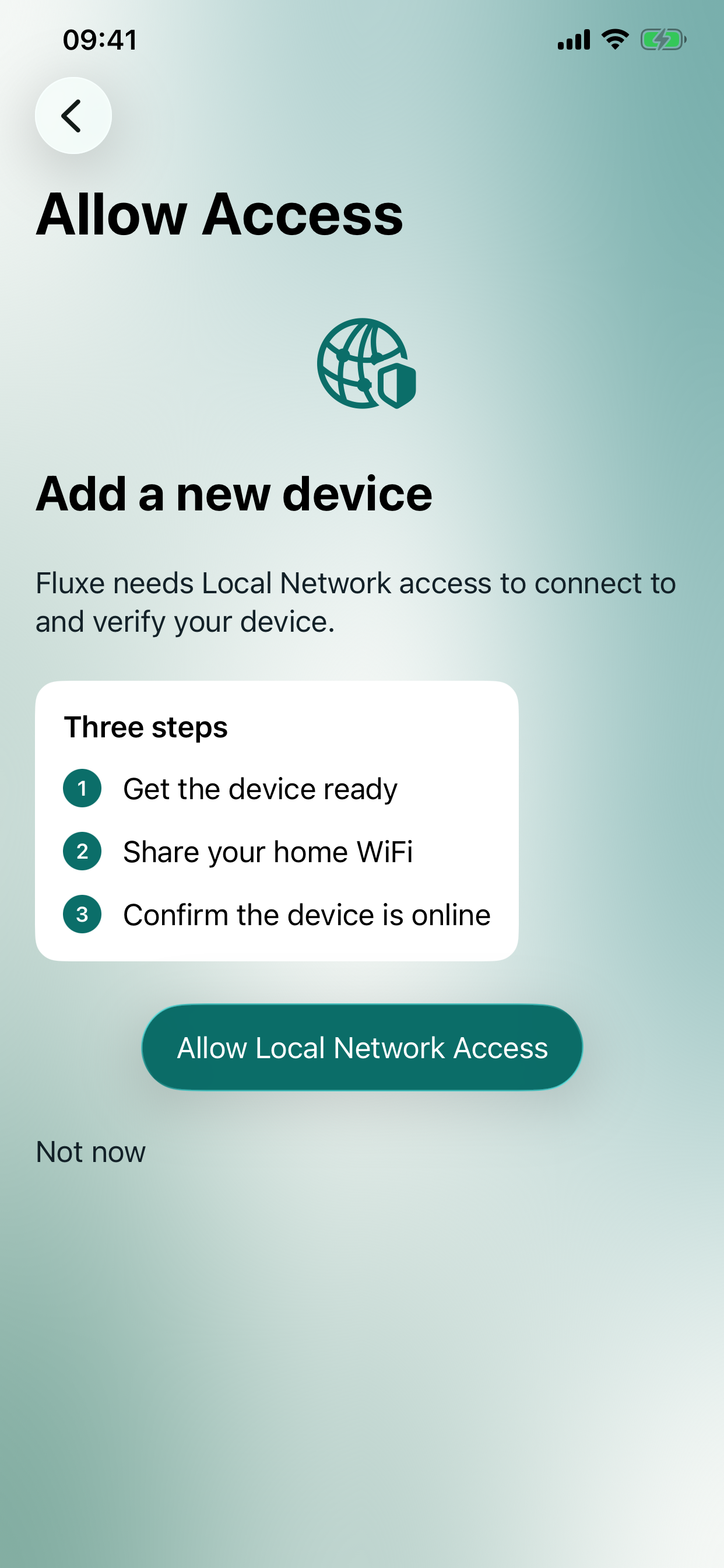
Get the device ready
Put a supported factory-reset device into setup mode.
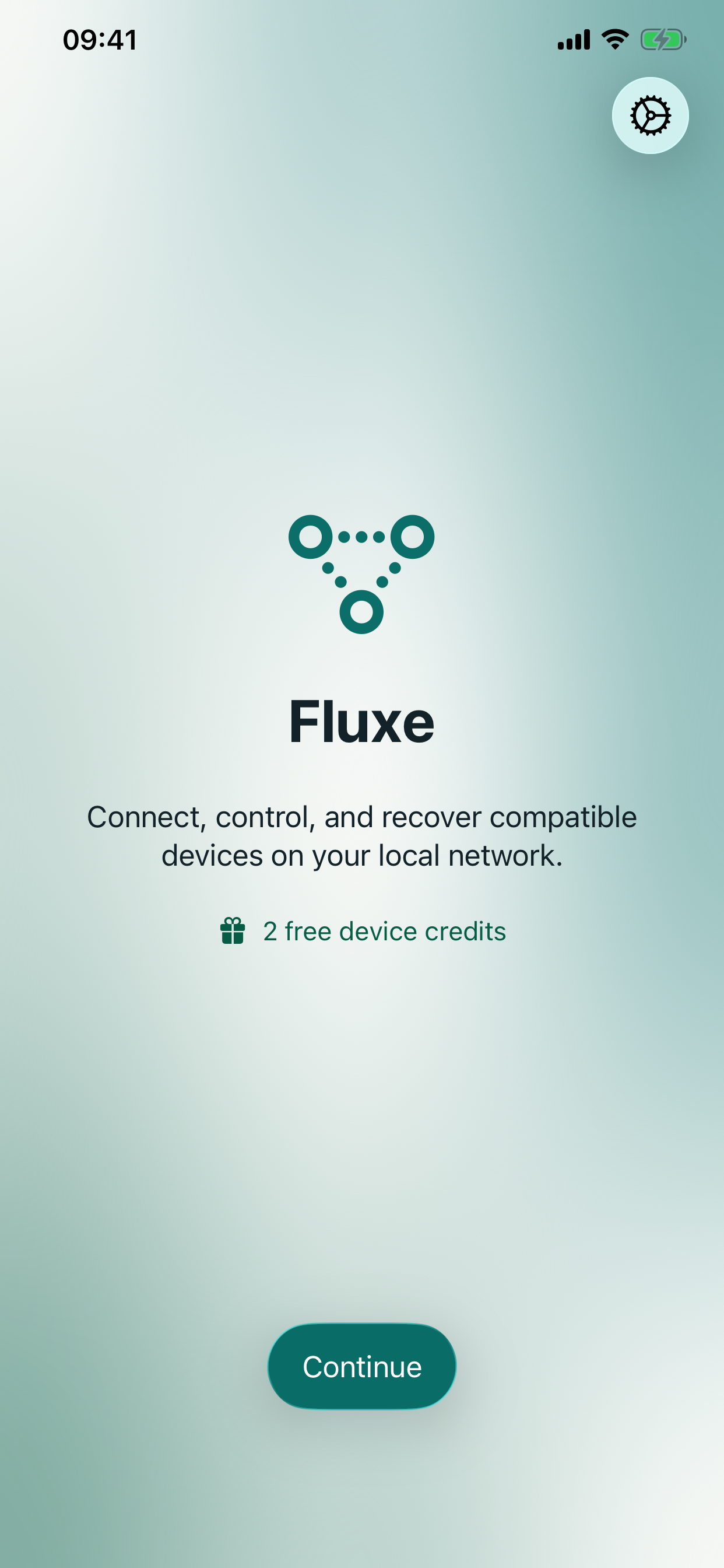
Fluxe reconnects supported factory-reset Wemo plugs and switches to your Wi‑Fi. No Wemo account. No new cloud account. Just a clear local setup path.
Requires iOS 17 or later, or Android 10 or later. Support varies by model and network.
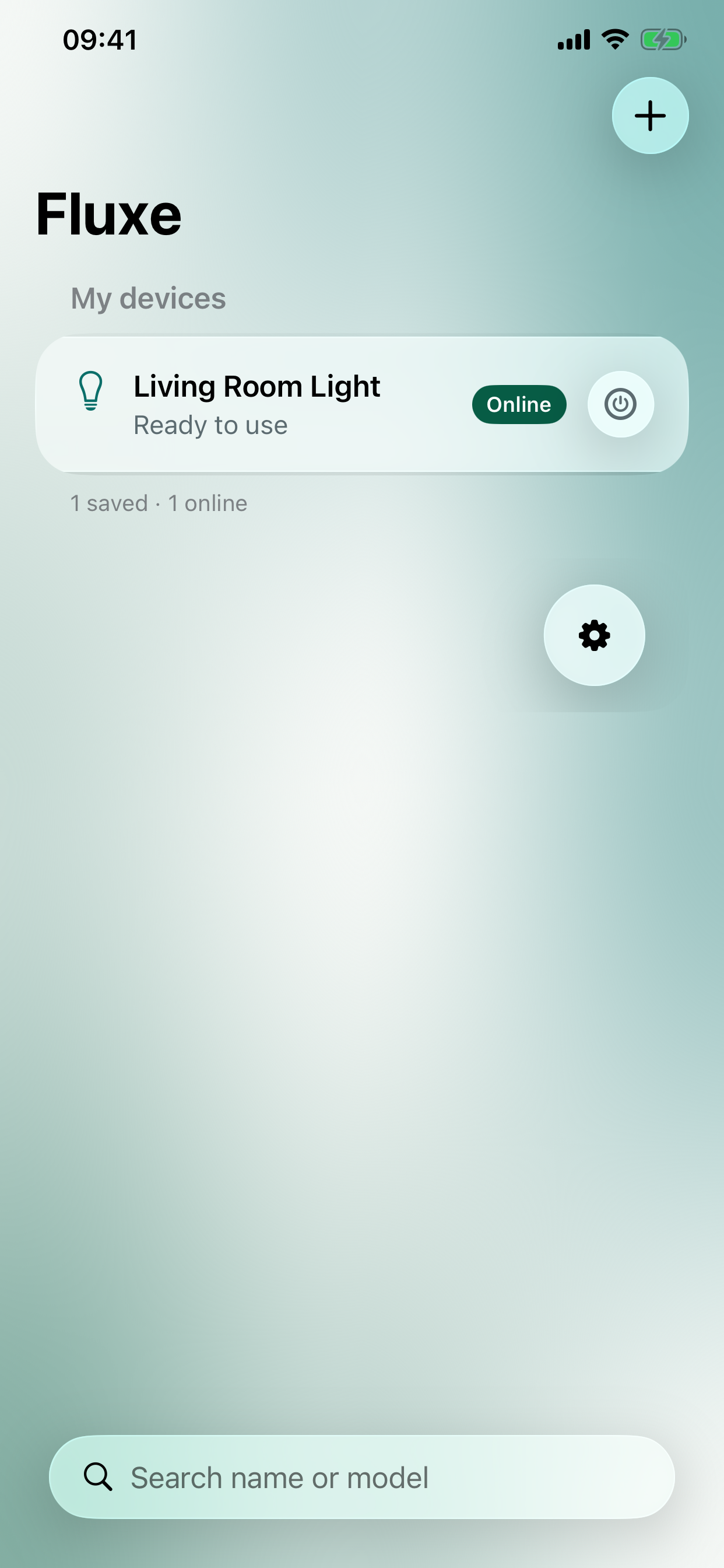
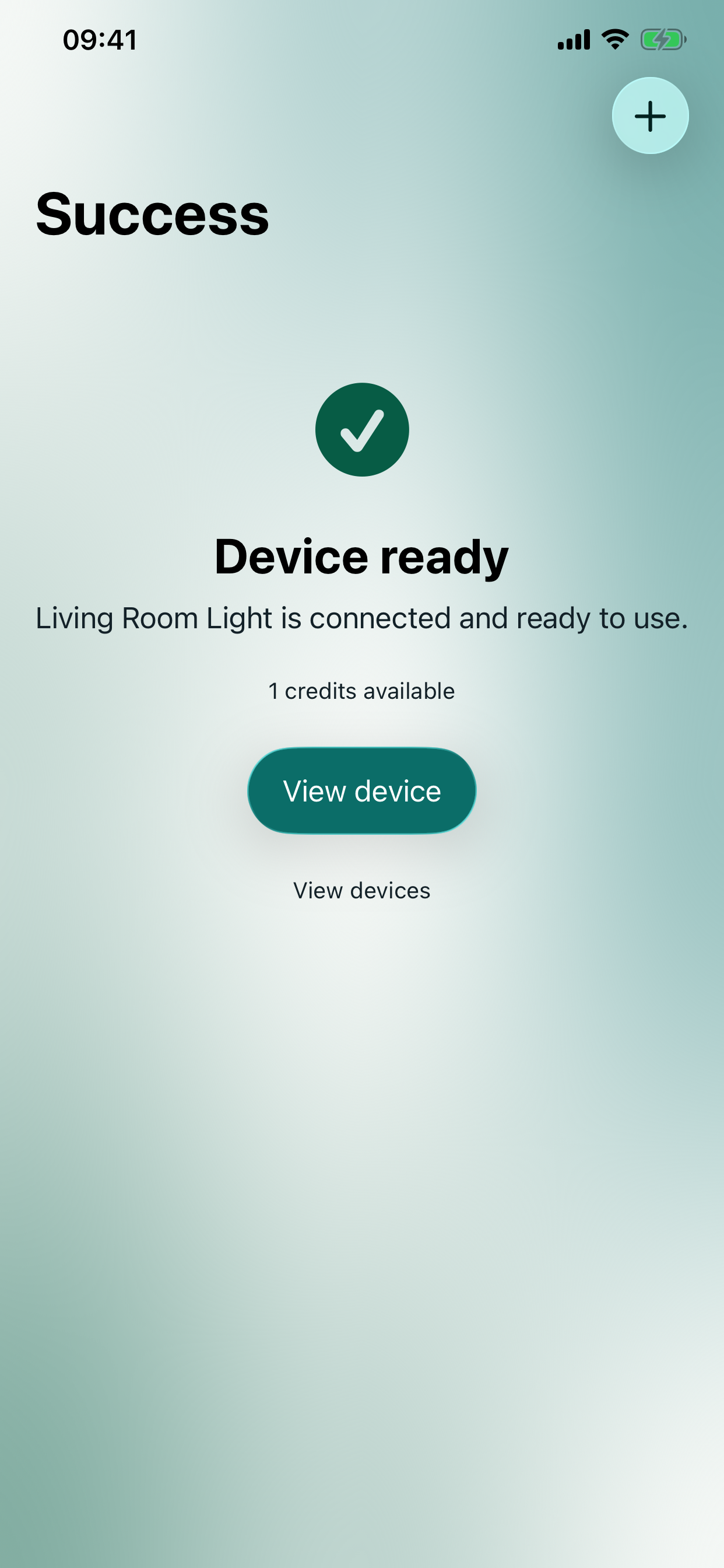
Fluxe gives compatible Wemo hardware a straightforward way back onto your home network after a reset or Wi‑Fi change.
Put a supported factory-reset device into setup mode.
Fluxe sends setup directly from your phone to the device.
See the device back on your network and ready to use.
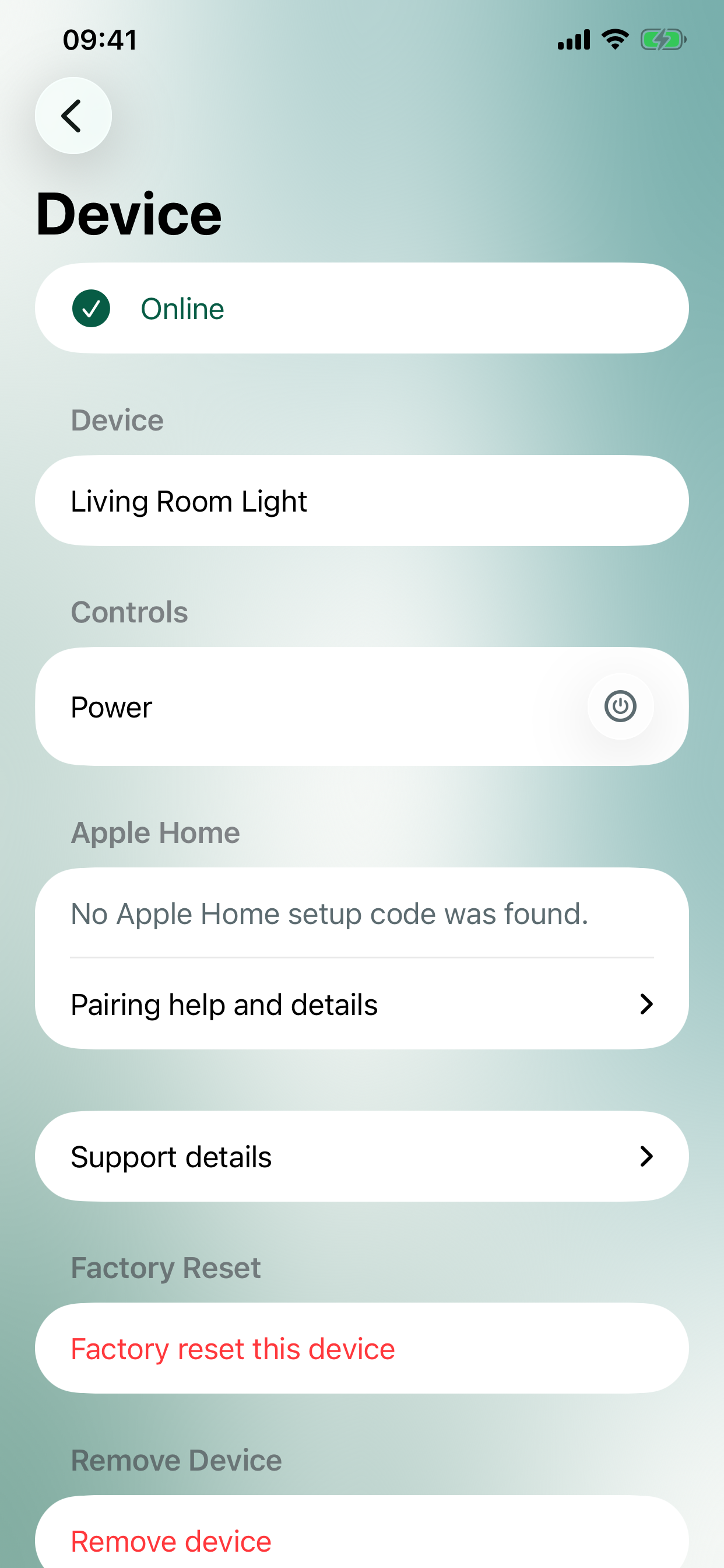
Fluxe shows the parts that matter: local network access, device status, controls, Apple Home details, and support information.
Fluxe reconnects the device. What comes next depends on its model and the smart-home system you use.
Supported eligible devices can follow an Apple Home path after local reconnection. Keep any device setup code available when applicable.
Supported devices can also follow a local Home Assistant path after reconnecting to Wi‑Fi. Integration details vary by model and setup.
Fluxe supports compatible Wemo plugs and switches. Results depend on the exact model, firmware, and network. See the supported models.
Not directly. Those paths need bridge or cloud-service complexity outside Fluxe’s local setup model.
No. During setup, your Wi‑Fi credentials go directly from your phone to the supported device over your local network.
Read the support guide for setup guidance, troubleshooting, and compatibility boundaries.
Download Fluxe for iPhone, iPad or Android phones. Two free reconnects are included, with in-app credit packs available for more.